
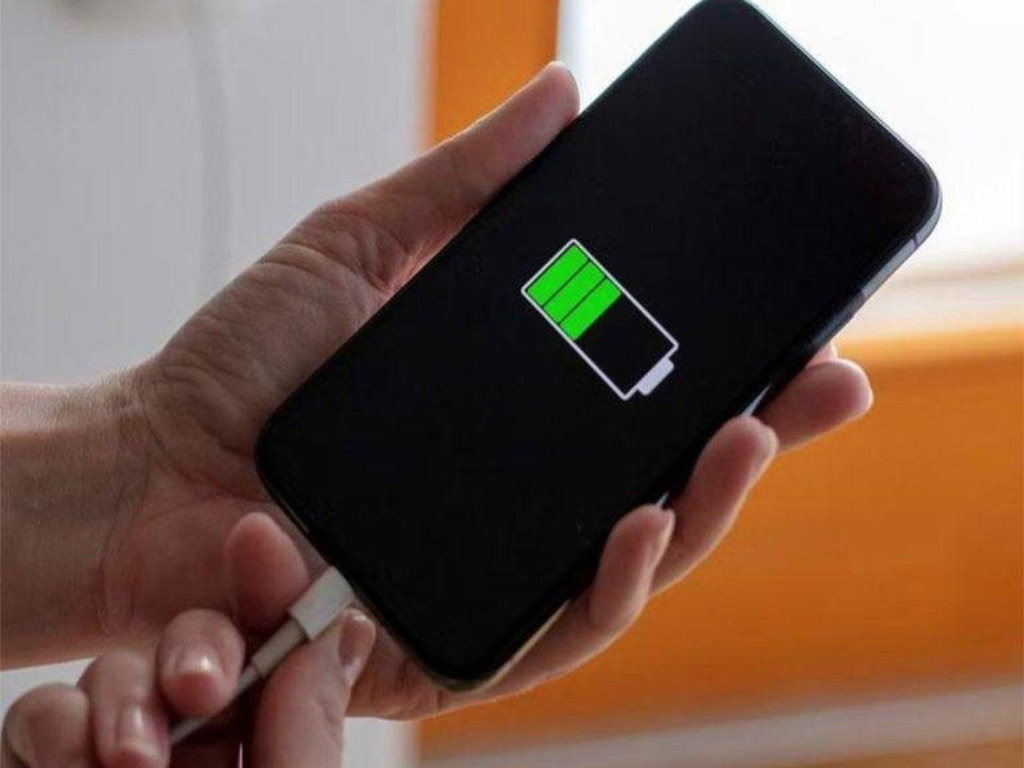
So, when and how should you charge your phone to best preserve its battery and avoid premature wear? Here are the essential recommendations to follow in order to optimize the lifespan of your smartphone.
When is the Best Time to Charge Your Phone?

Many misconceptions circulate about the ideal time to plug in your smartphone. Unlike older generations, modern lithium-ion (Li-ion) batteries do not require being fully drained before recharging.
Key Recommendations:
Avoid letting the battery drop below 5%. Deep and repeated discharges can weaken the battery cells and complicate future recharging.
Charge your phone between 20% and 80%. This range is the most favorable for prolonging the battery’s longevity.
Unplug the device before it reaches 100%. Although modern smartphones automatically stop charging once full, remaining at a full charge for extended periods can accelerate battery aging.
Can You Leave Your Phone Charging All Night?

This widespread habit is, however, not ideal. Once at 100%, the device receives small pulses of energy to maintain the charge level, which can cause slight overheating and contribute to premature battery wear.
Practical advice: choose smart chargers or enable the “optimized charging” feature available on some smartphone models. This option limits charging to 80% overnight, which is better for the battery’s health.
Common Mistakes to Avoid While Charging
To protect your phone’s battery, it is crucial to reassess some bad habits:
1. Using the Phone While It Charges

This practice causes the device to overheat and increases battery stress, reducing its long-term lifespan. It is preferable to leave the phone resting during charging.
2. Using Uncertified Chargers
Cheap or low-quality chargers can damage your phone by causing surges. It is always recommended to use official accessories or those certified by the manufacturer.
3. Charging Your Phone in a Hot Environment
Heat is the number one enemy of Li-ion batteries. Avoid leaving your phone under a pillow, inside a closed bag, or any place where heat cannot dissipate.
Tips to Optimize Charging and Extend Battery Life
Simple actions can help improve your battery’s longevity:
Turn off unnecessary features while charging: Wi-Fi, mobile network, Bluetooth, which consume energy in the background.
Lower the screen brightness to reduce heat generated during charging.
Close background apps that demand processor resources and slow down charging.
Activate battery saver mode to minimize energy-consuming activities during the recharge.
In Summary
Properly charging your phone is not just about plugging it in whenever the battery is low. By adopting good habits — avoiding deep discharges, using quality chargers, and preventing overheating — you significantly improve the battery’s lifespan while ensuring optimal performance over time.

Who among us would like to live in a stifled and dirty home, where unpleasant cooking odors and impurities invade Read more

Bull Thistle (Cirsium vulgare): A Wild Plant with Surprising Benefits The bull thistle (Cirsium vulgare) is often dismissed as a Read more
Baking soda and lemon peels are two household items often overlooked but incredibly powerful when combined. This natural duo can Read more

The Disguise Test One morning, Mr. Delaunay put on worn-out clothes, covered himself in dust, and let his beard grow, Read more

Castor Leaves: A Natural Treasure to Rediscover Used for centuries in traditional medicines around the world, castor leaves are experiencing Read more

10 Secrets You Need to Know Before Eating Okra Okra, also known as “lady’s finger,” is a green, pod-shaped vegetable Read more

Max, a True Fighter The dog advanced cautiously, drawn in by gentle words and a piece of bread offered kindly. Read more

The Risks Associated with Excessive Screen Exposure Prolonged exposure to screens can have serious consequences on the overall development of Read more
How to Make Powerful Super Glue from Styrofoam: The Hidden Chemistry Behind This Viral Trick In a world where DIY Read more

Highland flowers, often found in remote, elevated regions, are more than just a visual delight. These resilient blooms, thriving in Read more

November is a time when expenses quickly pile up, caught between Black Friday deals and the first Christmas purchases. It Read more

A Simple Anomaly on the Floor? Not So Fast At first glance, this detail seemed nothing more than an ordinary Read more

Defrosting a freezer is often viewed as a lengthy and tedious task involving ice packs and patience being thoroughly tested. Read more

The Dog's Nose: A True Superpower It is well known that dogs possess an extraordinary sense of smell. Yet the Read more

Ever wish your home could keep that fresh, clean scent for more than a few hours? There’s a simple, natural Read more

The Float Test: A Simple and Revealing Method Imagine yourself holding a bowl filled with water and an egg in Read more

A Visual Challenge That Sparks Thought This type of visual puzzle captivates through its dual effect: it sharpens observational skills, Read more
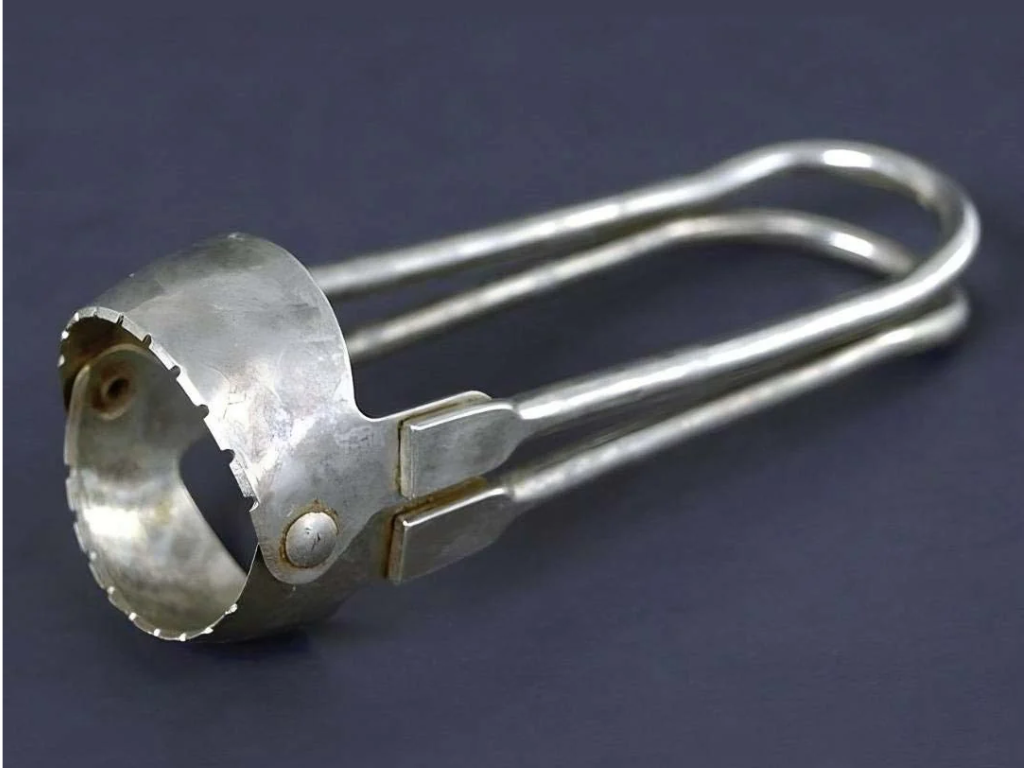
An Invention Born from a Passion for Cooking At the end of the 19th century, the importance placed on healthy Read more
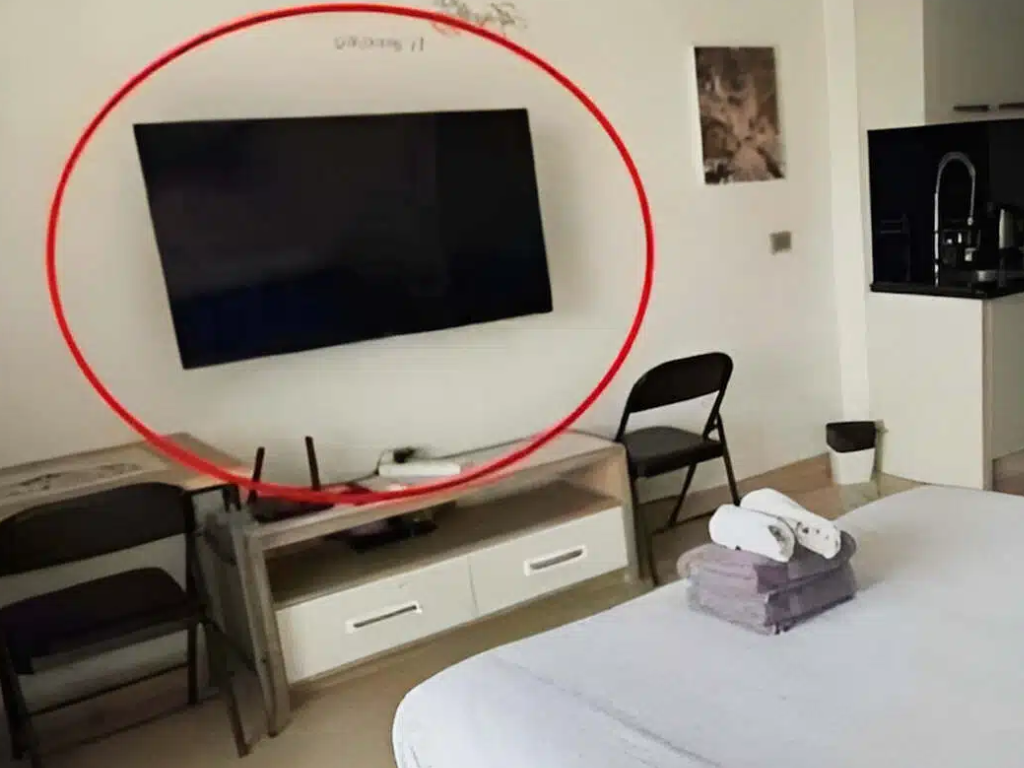
How to Detect Hidden Cameras in a Hotel Room? Hidden cameras can be disguised within seemingly harmless objects, including hotel Read more

Grease buildup on kitchen cabinets is a widespread issue that many homeowners encounter. Frequent cooking results in grease splatters that Read more
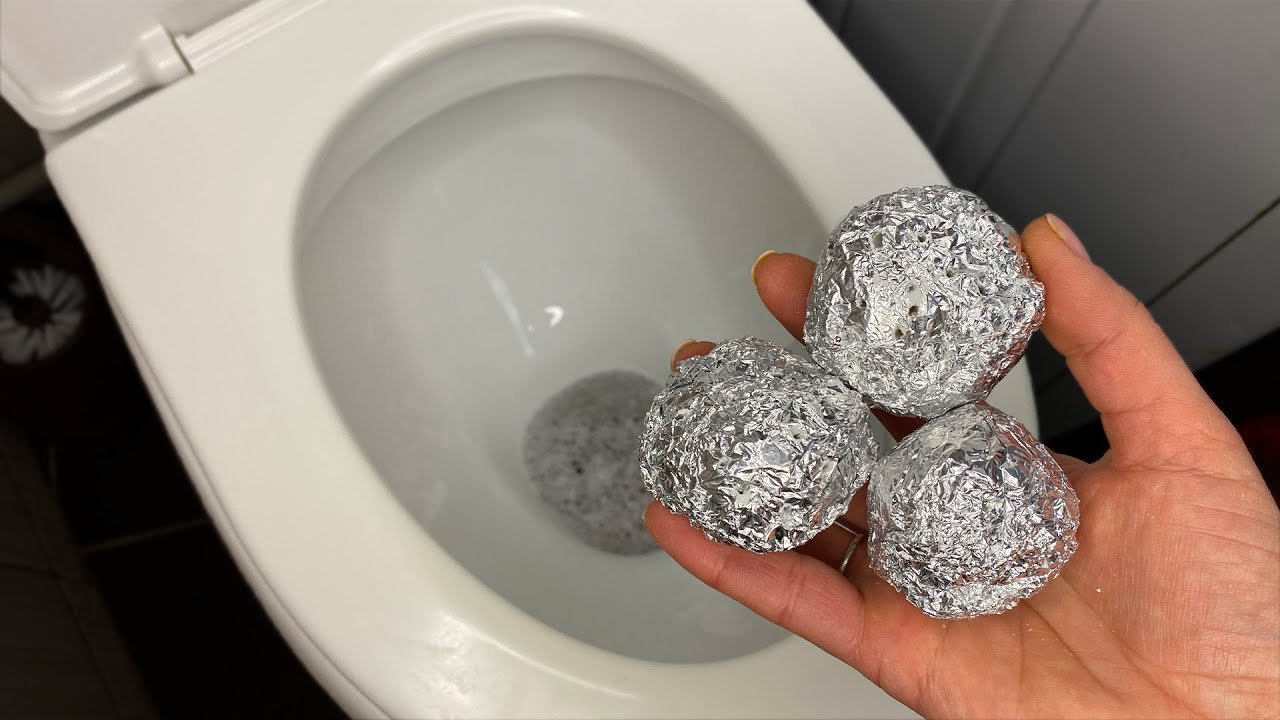
It might sound unusual, but an increasing number of homeowners have tried placing aluminum foil inside their toilet tanks. This Read more

Datura stramonium, commonly known as Jimson weed, thorn apple, or devil's trumpet, is a plant native to North America but Read more

Much More Than Just a Decorative Element The presence of multiple pillows on a hotel bed is far more than Read more

Why Is Salt an Effective Remedy Against Bed Bugs? Salt acts as a powerful dehydrating agent. When it comes into Read more

A Reassuring Light Guide in Case of Emergency When staying in an unfamiliar place, it is very easy to lose Read more

Dented Car Body: How to Fix It Yourself Over time, the body of your car can endure a lot. From Read more

Faced with increasingly harsh industrial detergents, consumers are turning back to traditional products that are healthier and have long proven Read more

Thyme is known by some as the "enemy of toxins," a reputation that dates back to stories from ancient Greece. Read more
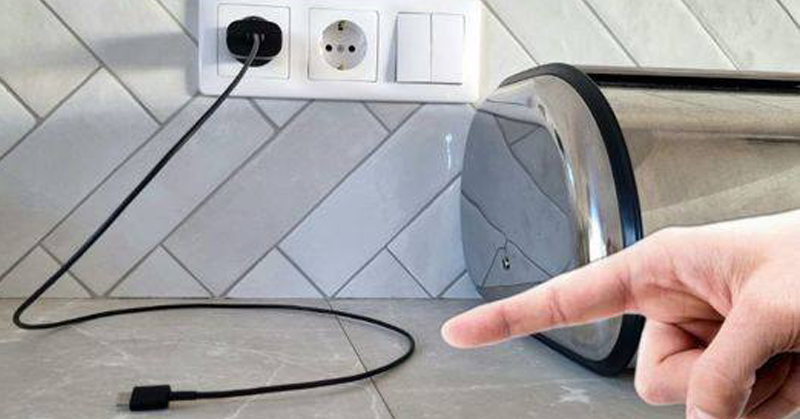
Some people do not make it a habit to unplug chargers from sockets after charging their electronic devices. However, many Read more

The Hidden Power of Dog Rose (Rosa canina): 10 Surprising Health Benefits and How to Use It Nature has given Read more

Why Ventilating in the Morning Can Harm Indoor Air Quality During Winter On a chilly winter morning, the outdoor air Read more
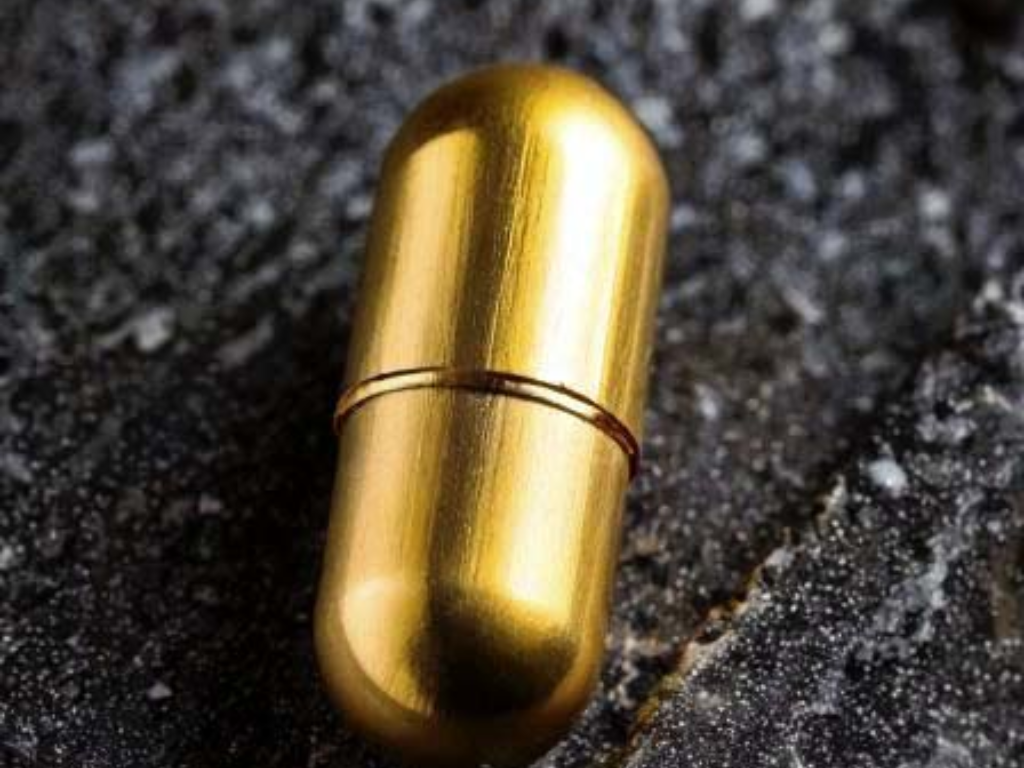
An Enigmatic Capsule: Description and Speculations At first glance, this small brass capsule, lightweight and perfectly airtight, appears ordinary. Yet Read more

Eager to master the art of nurturing a Peace Lily? Known scientifically as Spathiphyllum Wallisii, this enchanting plant is often Read more

For centuries, Chelidonium majus, commonly known as Greater Celandine, has held a special place in traditional herbal medicine. Recognized by Read more
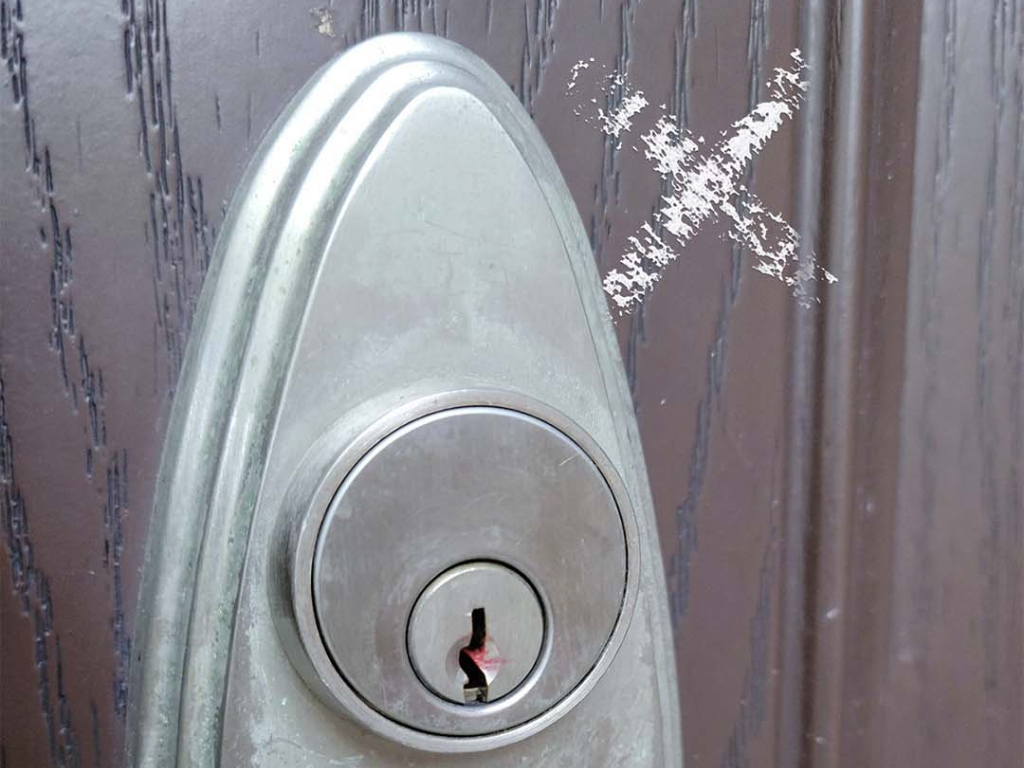
The Secret Language of Burglars: A Discreet Warning Signal Burglars use an actual coding system to identify their targets. They Read more

A Vibrant Coat, More Than Just a Visual Trait Before delving into the nature of these cats, let us first Read more

The Power of Hawthorn (Genus Crataegus): A Natural Ally for Heart and Cholesterol Health Hawthorn, belonging to the genus Crataegus, Read more

The Hidden Power of Pomegranate Peel: 10 Health Benefits and How to Use It Pomegranate is often celebrated for its Read more
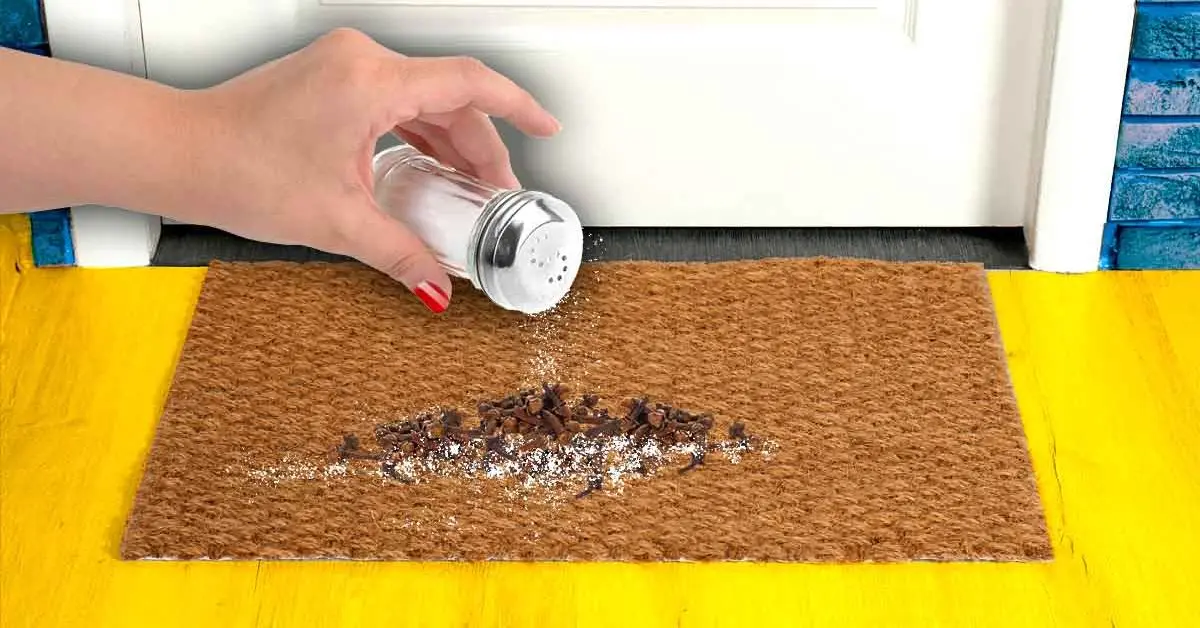
The Multifaceted Benefits of Spices and Herbs Throughout history, a wide variety of spices and herbs have been cherished not Read more

Cassava: An Essential Plant at the Heart of a Deadly Paradox Whether in the form of flour, tapioca pearls, or Read more
